 target number
A helping hand
Find your next move.
Answers about the game, your progress, and the occasional puzzle outside the board.
Common questions
What if a teso purchase does not arrive?
When purchases are available, check whether Apple shows the purchase as pending, then reopen the app with an internet connection. Contact support if a completed purchase is still missing. Do not delete the app: your wallet is local. Consumable teso is not an account-synced balance. For refund requests, use Apple’s Report a Problem service.
How do I play?
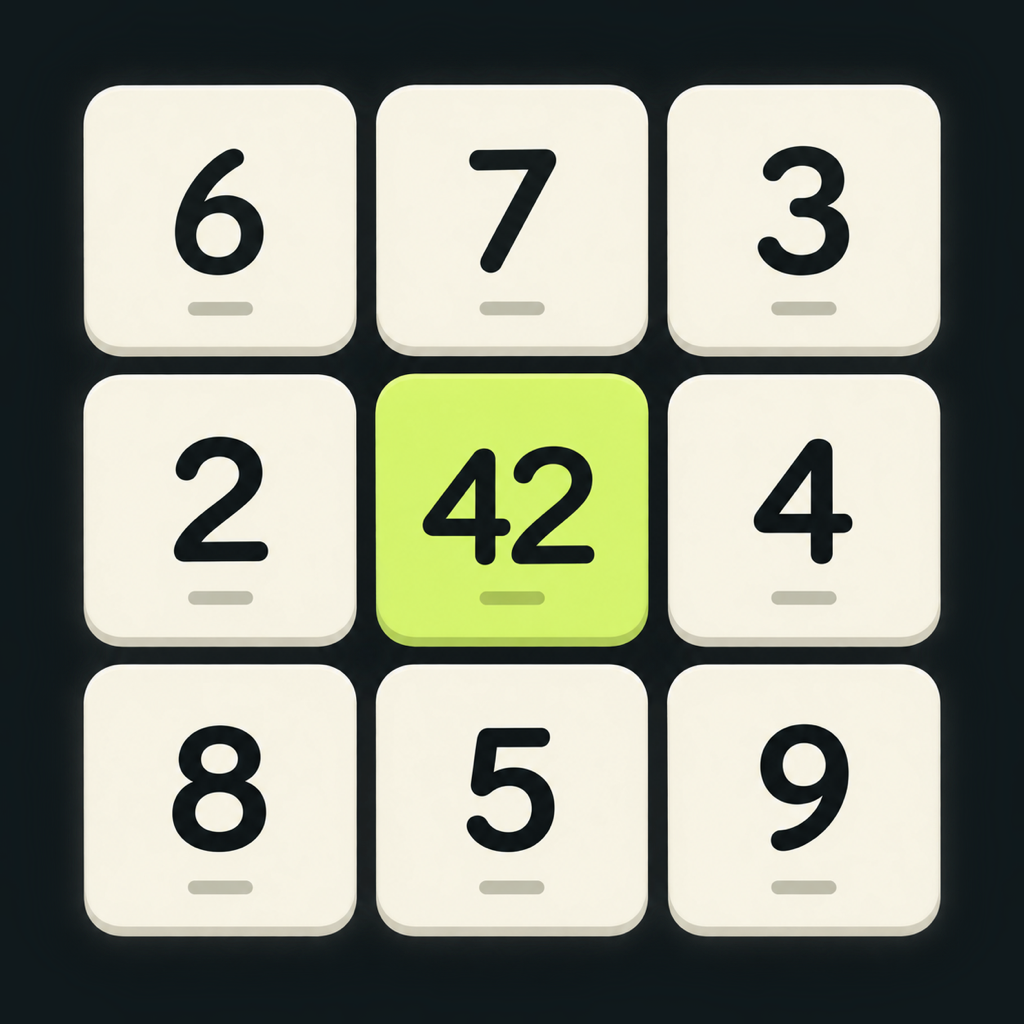
Tap a number, choose +, −, ×, or ÷, then tap another number anywhere on the board. The tiles merge and the next queued number fills the board. Reach the target within your move budget. Results must be whole numbers from 1 to 9,999; invalid attempts do not use a move.
Is there a time limit?
No. Take the time you need. You earn a star for completing the level within its move budget, another for meeting its move goal, and another for meeting its time goal.
How do I earn and use teso?
You start with 150 teso. Earn more from first completions and newly earned second and third stars. Use teso for Rewind, +1 Move, or Wild. Replaying an already earned result does not repeat its reward. Optional teso packs are planned for launch. When available, purchases use Apple’s in-app purchase system; the app shows the available packs and prices before payment.
What do the boosters do?
Rewind undoes your last merge and refunds its move, but not elapsed time or spent teso. +1 Move adds a move while preserving your board. Wild changes a selected tile to a number from 1 to 9. Boosters do not change the star goals, and restarting is free.
Can I play offline?
Yes, puzzles can be played offline. Ads require an internet connection and an available ad. No account is required to play.
Where is my progress saved?
Your progress, current puzzle, settings, and teso are stored locally on your iPhone. There is no account-based sync. Deleting the app can erase these saves; avoid reinstalling as a first troubleshooting step.
Why is a rewarded ad unavailable?
Availability depends on your connection, advertising privacy choices, and whether Google has an ad to show. Try again later. A reward is granted only after the ad’s reward requirements are completed.
How do I change advertising privacy choices?
Open Settings in target number and select Ad privacy options when available. This entry appears when Google’s consent platform requires it. Read the advertising section of the privacy policy for more.
The game is not working. What should I try?
Close and reopen the app, restart your iPhone, and check for app and iOS updates. target number requires iOS 17 or later. If the issue continues, contact support before deleting the app so you do not unnecessarily lose local saves.